Handling Requests
A client may call, email or come to reception with an enquiry.

Client requests or enquires
A client may call, email or come to reception with an enquiry. It is important to gather as much information as possible to determine whether it is something that can be actioned immediately or if further action is required. Before giving any personal information or confirming someone is a client, you must verify the caller before providing any information.
Before any of the client requests are to be actioned or sent to the relevant clinician, especially if requesting a billable service, check the client's invoices for any that are outstanding. If they have outstanding invoices, they will need to be paid before we can service their request.
If someone requests information from a client profile:
- If a client/client's parent calls and asks if something is on file, Operations must verify caller before actioning anything.
- Reply only about what is seen in the file name, can only be sent to email on file. If not seen, it would have to go to the clinician for checking as admin don’t have access to read what is in the file.
If a client sends a large email with personal information:
- Reply with:
- Hi ___,
Thank you for your email.
As many of our clinicians work part time and are often fully booked, please be advised that email communication may not be attended to in a timely manner.
Due to the Australian Psychological Society's confidentiality policy and the nature of email communication, it is preferred that any private or personal information is discussed only during the session. Please refer to your consent form regarding this.
If the content of this email is urgent, please call the clinic to make a booking with your clinician to discuss. Otherwise, we will forward this to your clinician and if you didn’t hear back from them, please let your clinician know about this email in your next session.
If further action is required:
- Create a new task in Teams
- Located under Operations → Client Requests → Client Request Tasks → General
- Add the task's objective/brief outline of the enquiry in the heading
- Include relevant comments and create checklist where needed
- Assign the task to the Admin team or relevant clinician if additional information is required and set a due date
If you can partially attend to enquiry via email:
- Forward to the relevant clinician
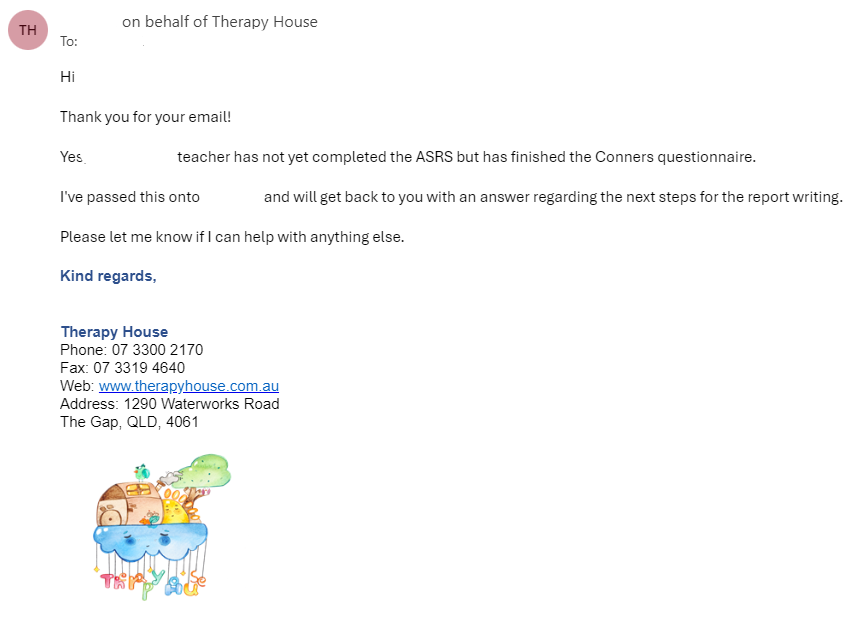
- Reply to client with information that you can provide, and let them know that you have forwarded the email to their clinician and will let them know what the next steps are.

Clinician Requests
If a clinician has a request for the admin team:
- Create a new Task in Teams/Planner
- Located under Operations → Client and Clinician Requests → Client Request Tasks →Clinician Request
- Add the task's objective (brief outline of the enquiry) in the heading and any relevant comments or checklist items. Ensure that you provide as much information as possible.
- Once completed, assign the task to Admin Team and set up a due date (the importance and urgency of the task is up to the clinician).
- If this is not something that the Admin Team can complete, they will first ask for more information where required and then seek guidance from Reggie or Amelia.
- If the enquiry is not actioned within the timeframe the clinician has provided and there has been no communication within the Teams task, the clinician must follow up with Admin Team to ensure this is actioned.